
Find likely color contrast failures for readable text.
Figma plugin
Pre-handoff accessibility checks for Figma designs.
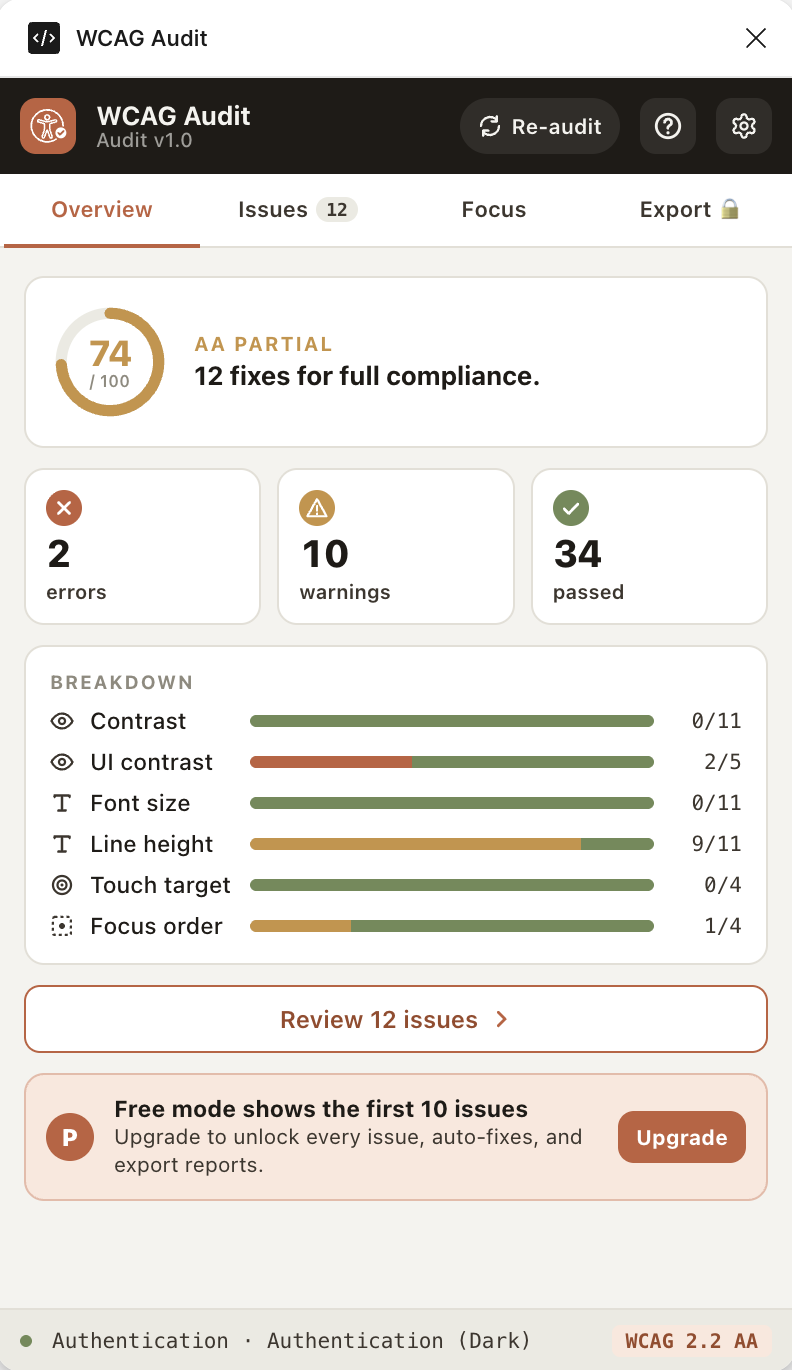
WCAG Audit helps designers and developers catch common accessibility issues before handoff, including contrast, typography, touch targets, focus-order hints, screen-reader readiness, and motion review.
- WCAG 2.2 AA and AAA modes
- Screen-reader and motion readiness
- Auto-fixes for supported issues
- Markdown and JSON exports
What it checks
Fast signals for the issues that usually slow down design QA and developer handoff.
Review non-text interface elements such as borders, icons, and controls.
Flag small font sizes and line-height values that can hurt readability.
Identify interactive elements that may be too small for touch use.
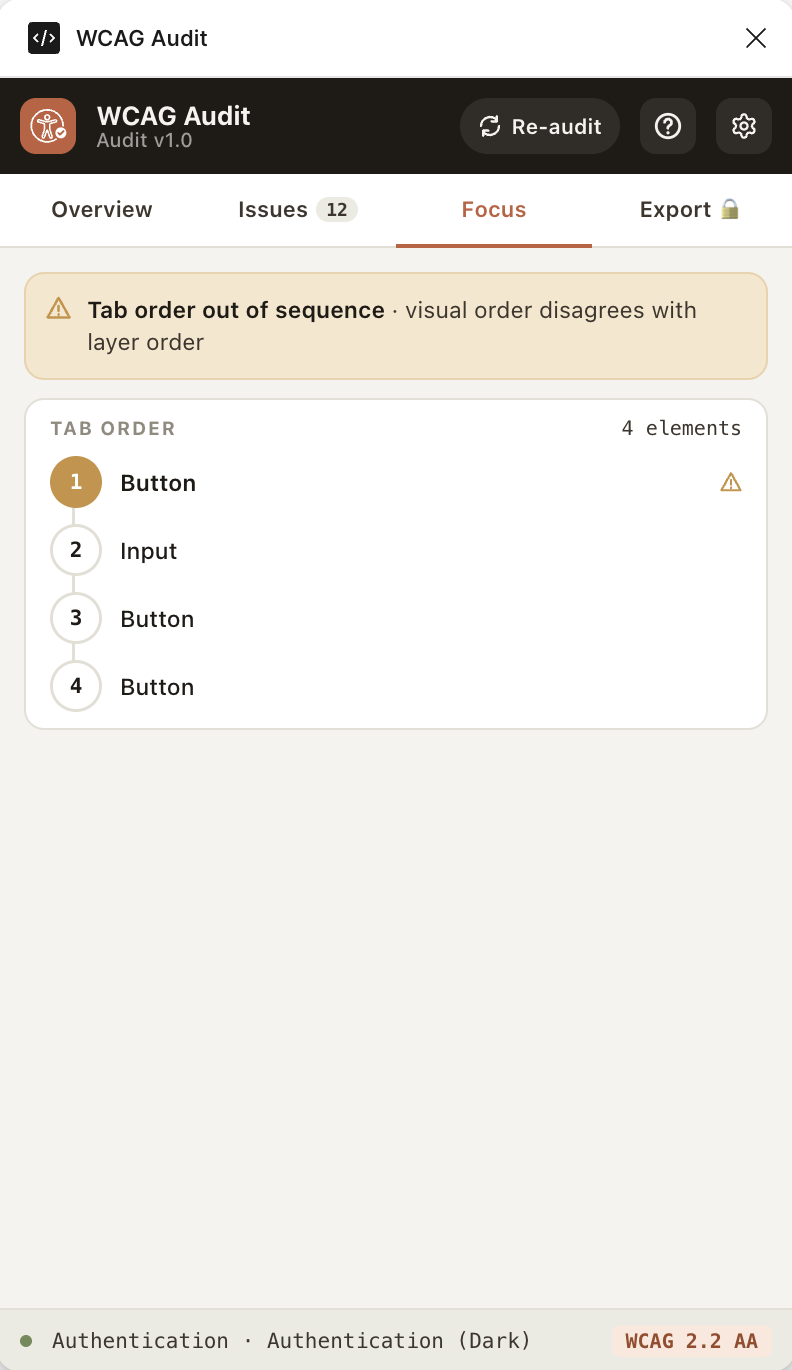
Surface places where visual order and layer order may disagree.
Flag icon-only controls, generic interactive layers, and image-like layers that need accessible naming guidance.
Review prototype transitions and auto-advancing interactions for reduced-motion and pause/stop considerations.
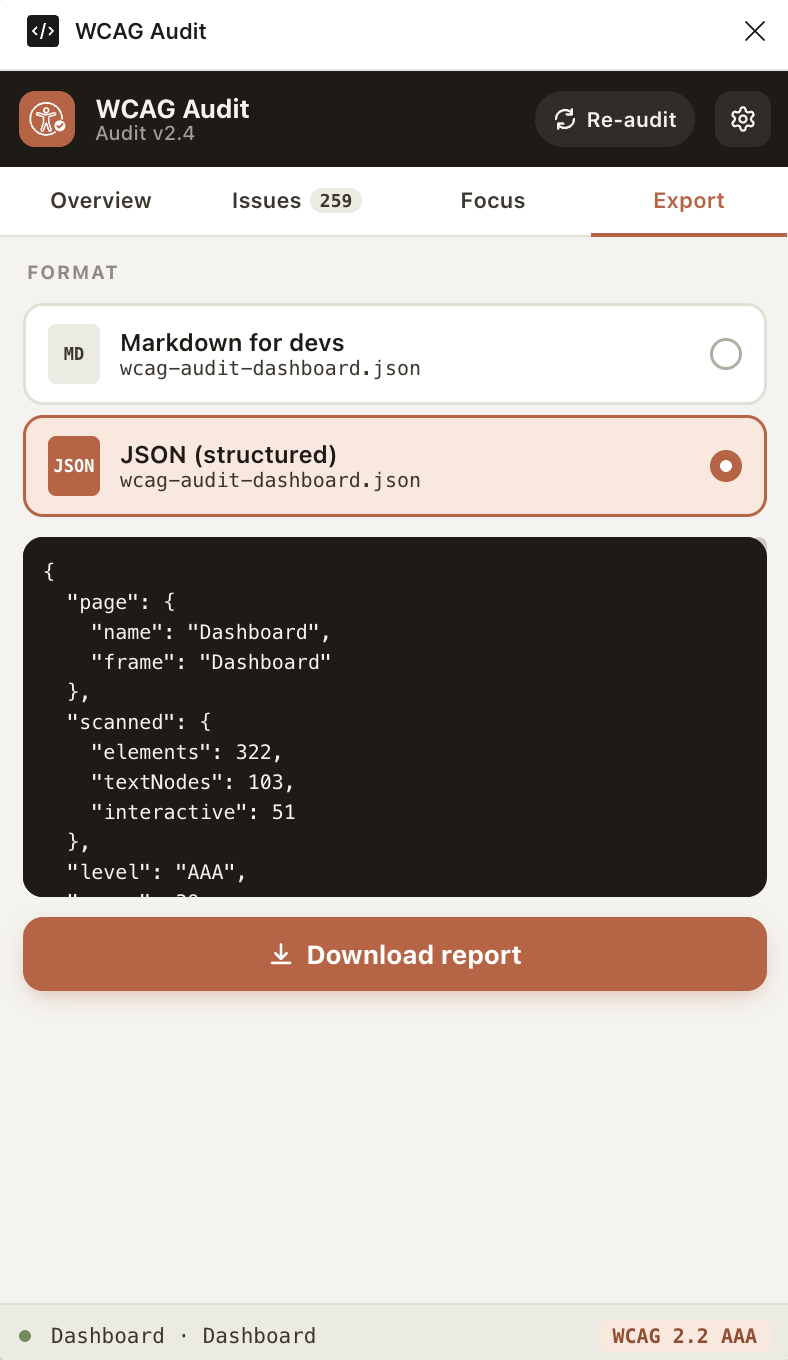
Share Markdown or structured JSON reports with developers.
Preview
See the plugin before installing.
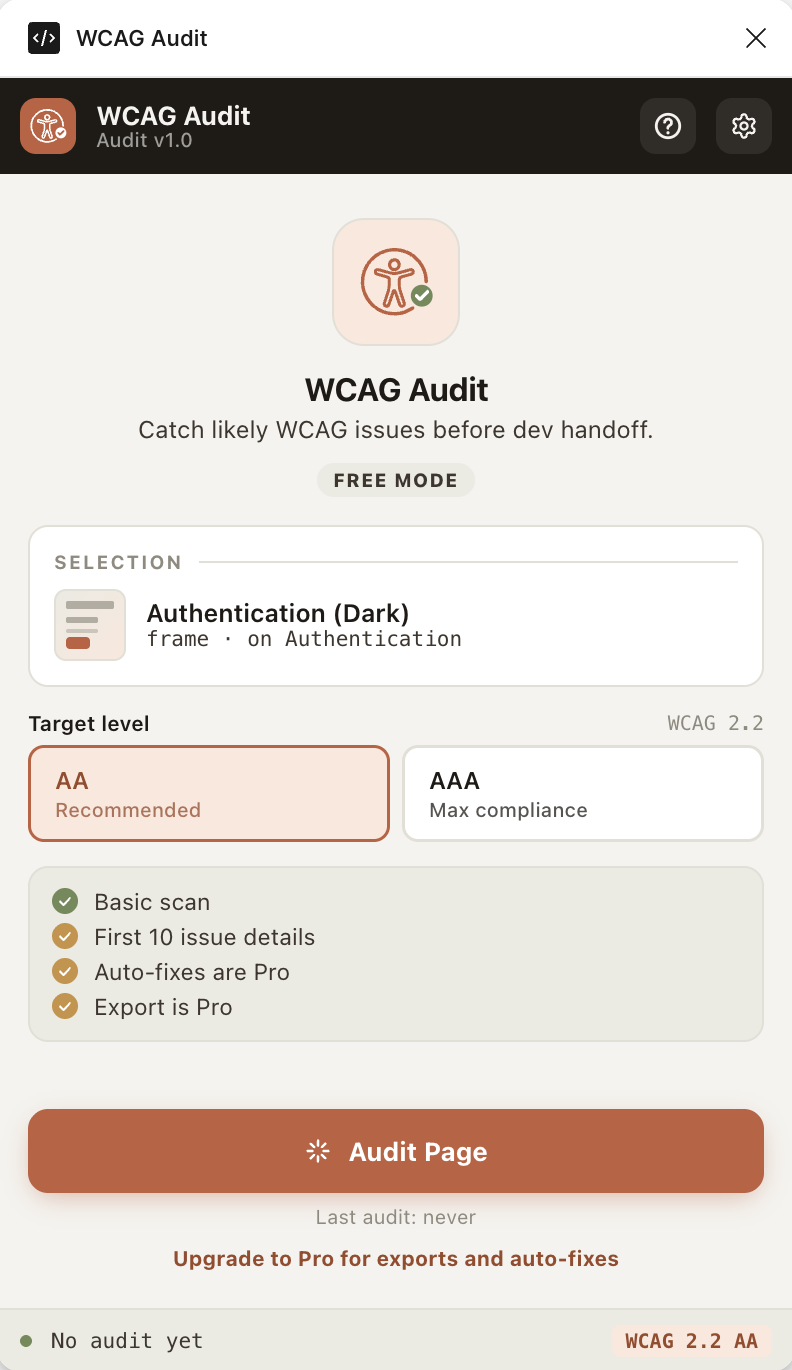
Review the audit start screen, compliance overview, focus-order hints, and export flow directly from the Figma plugin UI.
Free vs Pro
Start with a basic scan. Unlock the full workflow when it helps.
Free mode is useful for a quick feel of the audit. Pro unlocks the pieces that make the plugin useful in real handoff work.
Basic audit scan
Free
Full issue list
Pro
Auto-fixes
Pro
Markdown and JSON export
Pro
Buy Pro for US$15
Good to know
A few honest edges, because accessibility tooling should be clear about what it can and cannot do.
Is this a legal compliance certificate?
No. WCAG Audit is an accessibility review assistant. Always pair automated checks with manual review, assistive technology testing, and implementation QA.
Does it upload my Figma design?
No design content is uploaded for audits. License validation and anonymous usage events call wcagaudit.site, but file names, page names, layers, text, and reports are not sent.
Where do I enter the license?
After purchase, copy the license key from your email and paste it into WCAG Audit > Settings > Activate license.